When to Use PNG Instead of JPG: 5 Real Examples
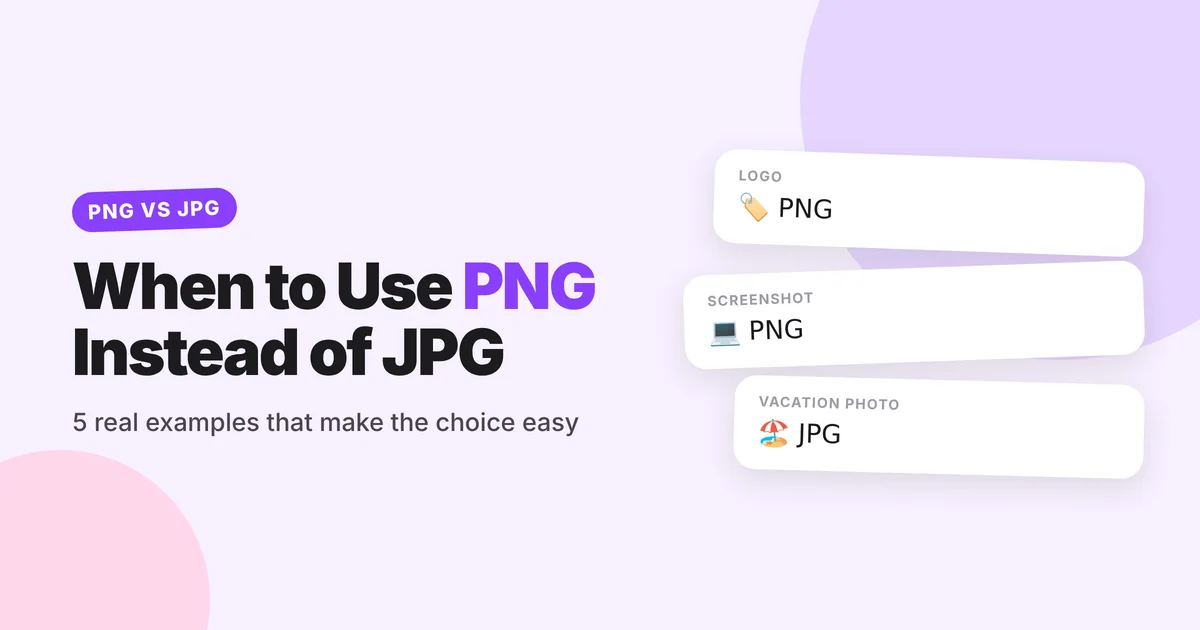
Most of the time, JPG is the right choice for images. It's small, it's supported everywhere, and it's perfect for photos. But there are certain situations where JPG does a poor job and PNG is clearly better.
Instead of a technical lecture, here are five real-world examples that show exactly when to choose PNG, plus a simple rule you can remember.
The quick difference
JPG uses lossy compression. It throws away small details to make files smaller. That works brilliantly on photos, where colors blend smoothly, but it creates fuzzy "halos" around sharp edges and text.
PNG uses lossless compression. It keeps every pixel exactly the same and supports transparent backgrounds. The trade-off is that photos saved as PNG are much larger.
Example 1: Your logo
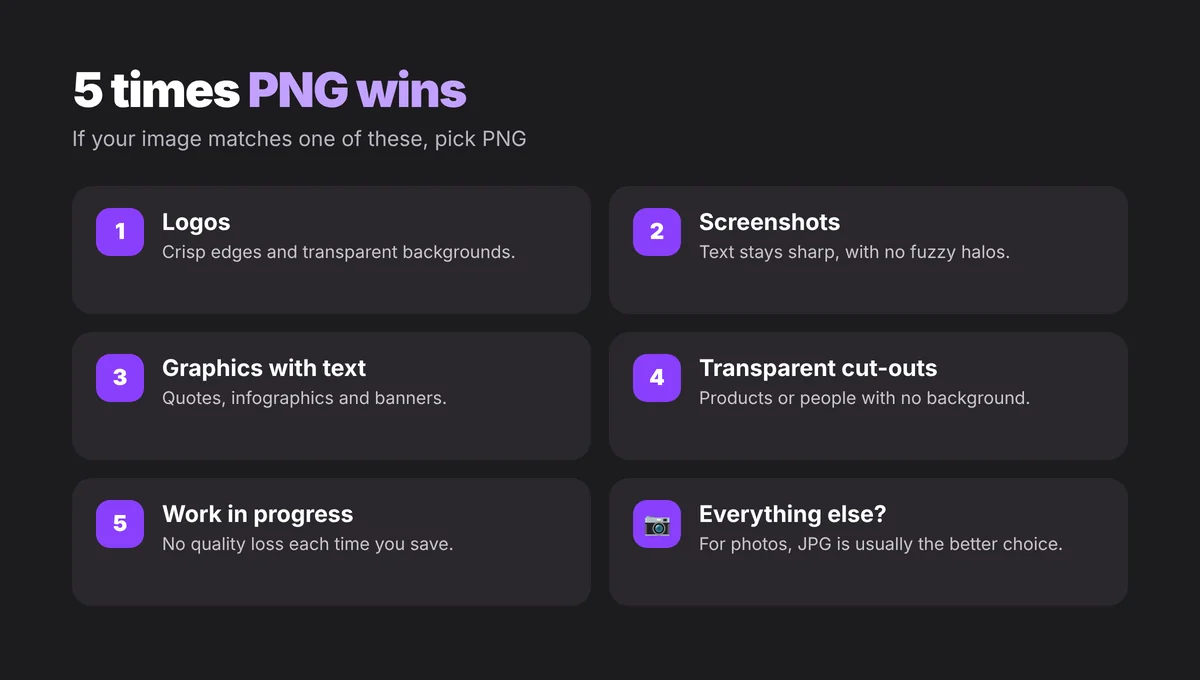
Logos have sharp edges, flat colors and often need a transparent background so they can sit on top of different colors. JPG struggles with all three: edges get blurry, flat colors pick up speckles, and there's no transparency. Save your logo as PNG (or SVG if you have a vector version).
Example 2: Screenshots
Taking a screenshot of an app, a recipe or an error message to share? Screenshots are full of text and straight lines. As a JPG, text can look smudged and harder to read. As a PNG, it stays crisp. That's why most phones and computers save screenshots as PNG by default.
Example 3: Graphics with text
Quote graphics, infographics, price lists, menus and simple banners combine solid colors and lettering. PNG keeps the text razor sharp. If the file ends up too large, try WebP lossless, which keeps sharp edges at a smaller size.
Example 4: Images with a transparent background
A product photo with the background removed, a sticker or a cut-out of a person needs transparency. JPG can't store transparent pixels and fills them with a solid color, usually white. Use PNG or WebP. Learn more in our guide on saving pictures with transparent backgrounds.
Example 5: Images you'll edit again
Every time you save a JPG, it loses a bit more detail. If you're working on a design and saving it several times, keep a PNG master copy. Export a JPG at the very end if you need a smaller file to share.
When JPG is still the better choice
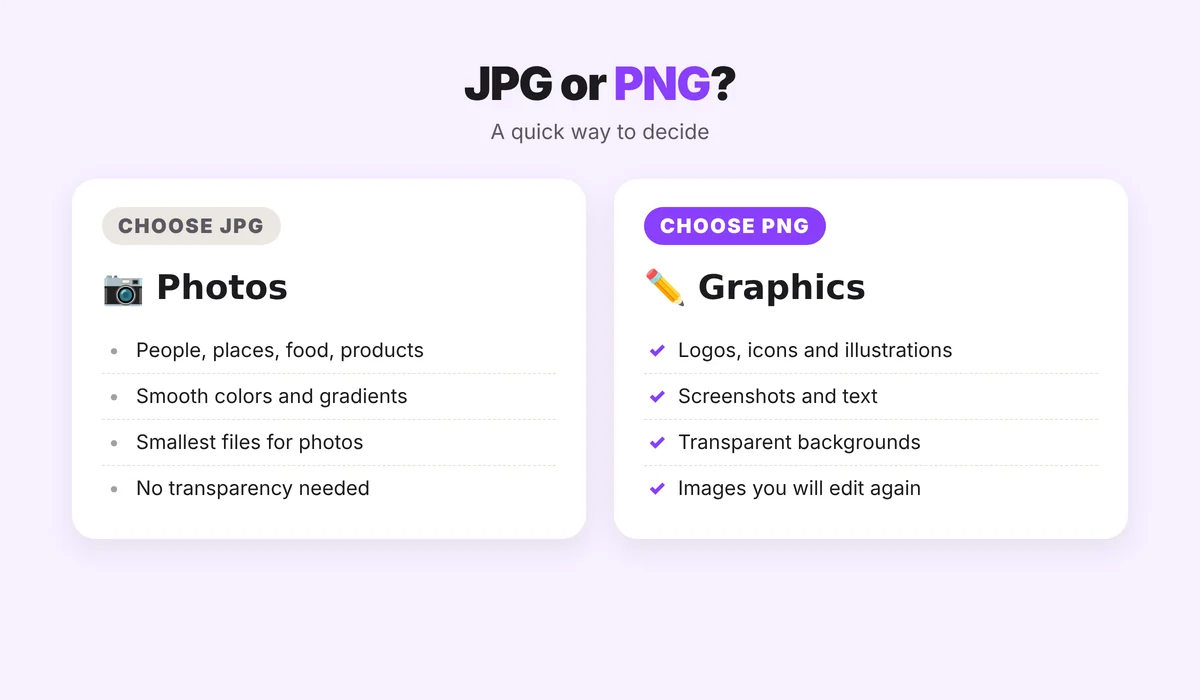
- Photos of people, food, travel and products, without transparency
- Images for email and messaging, where small size matters
- Large images where a PNG would be several megabytes
A simple rule: if it came from a camera, use JPG. If it was made on a screen, use PNG.
How to switch between PNG and JPG
- Open our free image converter.
- Choose PNG or JPG.
- Add your images and download them.
Converting a JPG to PNG won't bring back detail that was already lost, but it will stop further quality loss from future saves. Converting a PNG photo to JPG can shrink it dramatically, and our image compressor can make it smaller still.
Frequently asked questions
Is PNG higher quality than JPG?
PNG never loses detail, so in that sense, yes. But for photos, a high-quality JPG looks the same to the eye at a fraction of the size.
Why is my PNG file so big?
It's probably a photo. PNG isn't designed to compress photos efficiently. Convert it to JPG or WebP.
What about WebP?
WebP can act like either format and is usually smaller than both. It's great for websites. Read JPG vs PNG vs WebP for the full comparison.